The Library provides a range of data services. See resources below or connect with us to schedule a consultation with an expert. We offer a service desk on the 2nd floor of Davis Library and are available to answer your drop-in questions M-F 12pm-5pm (see our hours page for details).
![]()
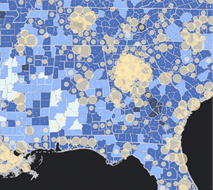 Geographic Information Systems (GIS)
Find spatial data and maps, and get help with GIS software.
![]()
 Find, Use, & Manage Data
Find data sets and get help with data management. Request a data purchase.
![]()
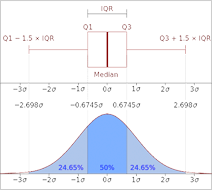 Data Science
Learn how to clean and analyze your data, and get help with programming.
![]()
 Data Visualization
Explore and communicate your data visually.
![]()
 Digital Scholarship
Get help with text analysis, natural language processing, creating digital exhibits, and more.
![]()
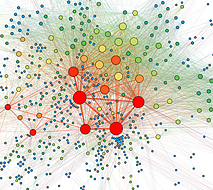 Impact Measurement & Visualization
Quantify and communicate research impact and collaboration.


